Order as usual.
The cashier enters the order number. No menu changes. No new checkout routine.
 Meet your new pager
Give your customers a little more freedom.
A simple QR connects their phone to their order.
You prepare. They take their time.
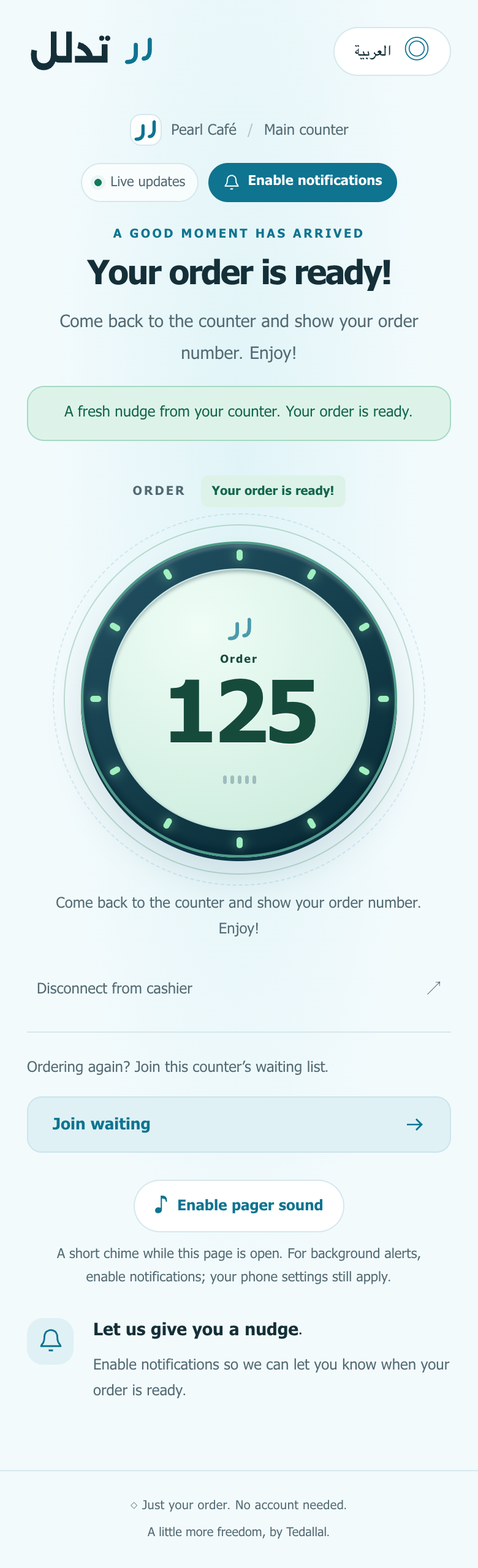
A nudge when it’s ready.
Your number. Your order.

Keep your familiar counter routine.
Just give the wait a thoughtful update.
The cashier enters the order number. No menu changes. No new checkout routine.
Customers scan an order QR, or join the counter’s waiting list for the cashier to connect.
Mark the order Ready. Linked customers see the update, with notifications where enabled and available.
Start with a printed QR, or use a customer-facing
display you already have.
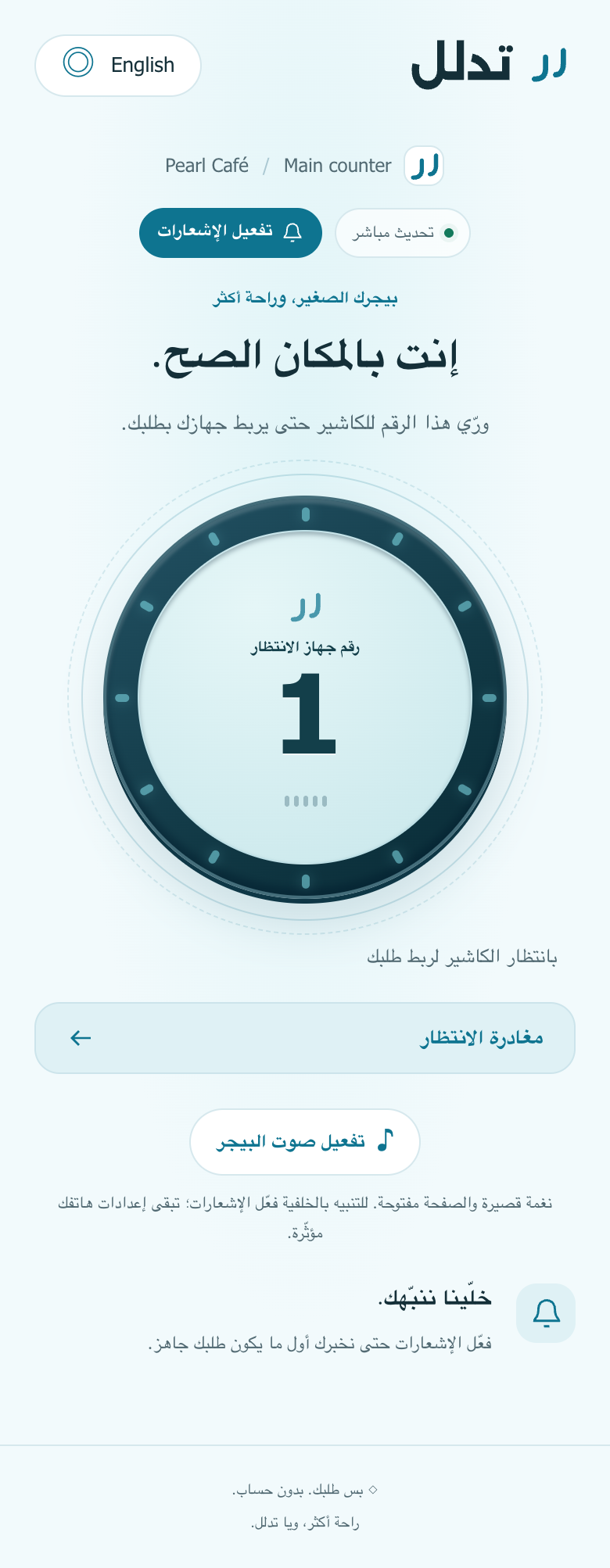
Place a QR at your counter. Customers scan, get a waiting number, and show it to the cashier. You choose the devices that belong together and connect them to the order.
Enter the order. Review who’s connected. Press Ready. Tedallal keeps the essential moments in view.
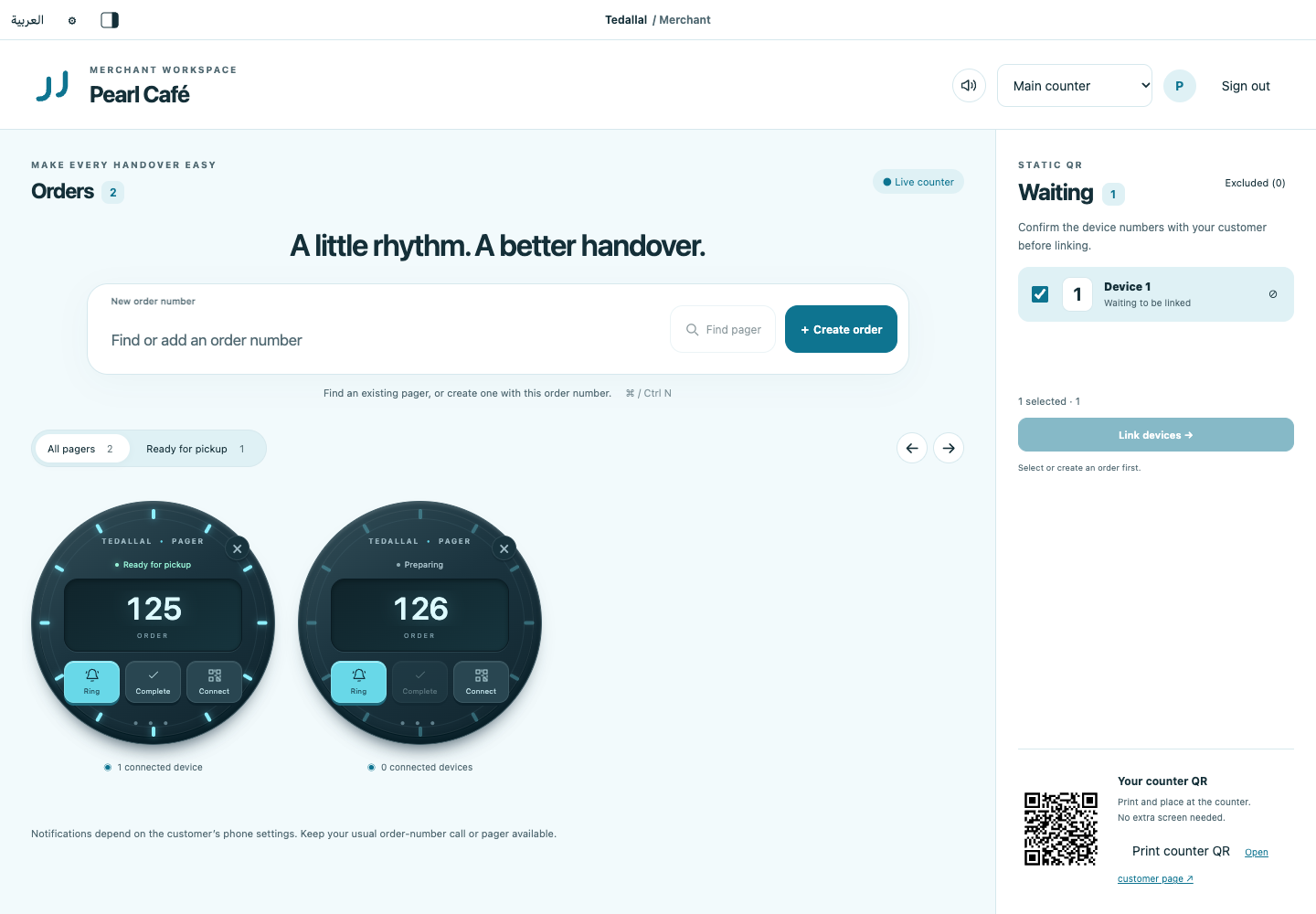
Actual merchant workspace · sample service
A group can follow the same order from their own devices.
Customers can disconnect a wrong link themselves. Their order and everyone else’s connection stay in place.
Live tracking stays available. When alerts aren’t suitable, your cashier can arrange another way to call you.
Simple on purpose.
Thoughtful where it counts.
No. Customers connect anonymously through the counter’s QR. A recognized browser or App Clip session keeps their connection where device storage is available.
No. A static QR at the counter works with the cashier’s waiting list. If you already have a suitable customer-facing extended display, you can use per-order QRs instead.
Yes, when their connection and notification setup are working. Customers should check the notification status before leaving. Delivery depends on phone permissions, network and platform settings; keep a fallback for anyone who needs it.
The customer journey supports an Android browser route and a native iPhone App Clip route. Notification and App Clip availability require the relevant merchant and platform setup. The customer screen clearly shows when another step or a fallback is needed.
This version focuses on the waiting and pickup experience. Cashiers enter order numbers and mark orders Ready manually. Menus, payments, POS integration and loyalty are outside this pager release.